
Whole-house battery backup with a portable power station
Learn what portable power stations can cover at home, where 120/240V output matters, and when a licensed electrician is needed for circuits.
Home backup guide
Plan portable home backup around the appliances you need, outage length, battery capacity, and safe connections, with calculators and buying guides.
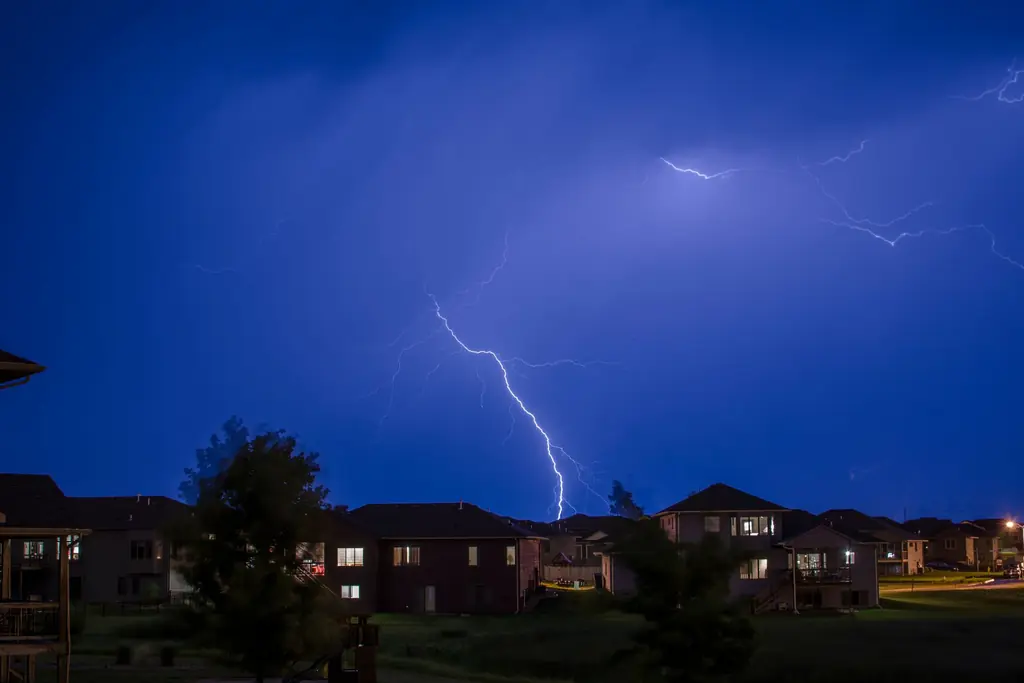
List the appliances you need during an outage and how long each must run. Choose a power station with enough continuous AC output and startup capability for those appliances, and enough battery capacity for the hours you need. Then plan how you'll recharge it if the outage continues.
Learn what portable power stations can cover at home, where 120/240V output matters, and when a licensed electrician is needed for circuits.
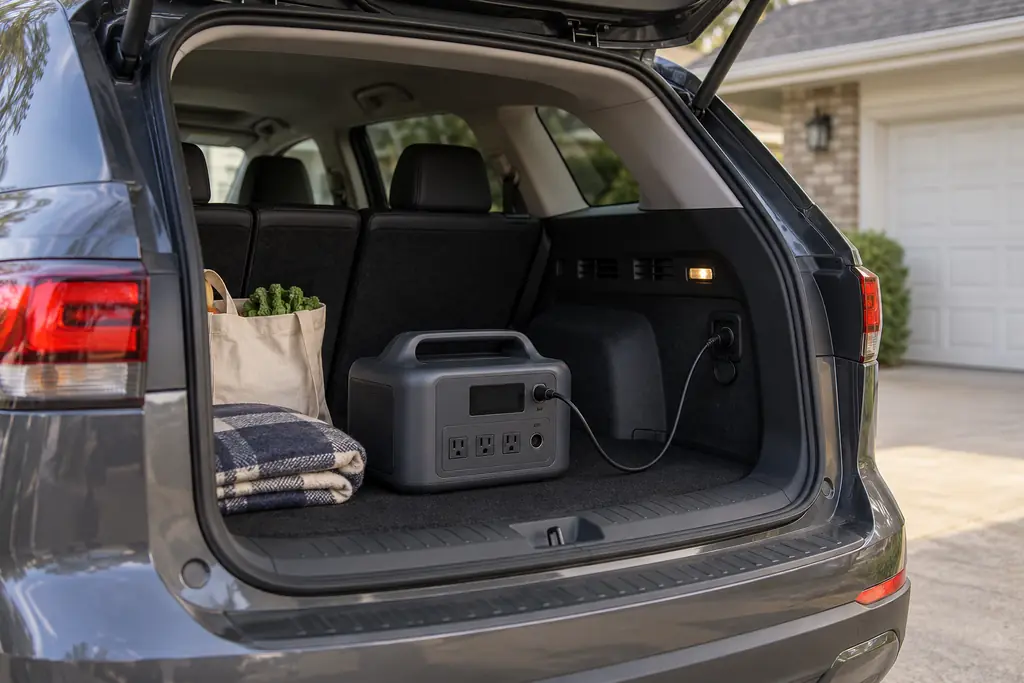
Learn how wall-charged power stations work for home backup, how to maintain a charge, and what recharging options remain during an outage.
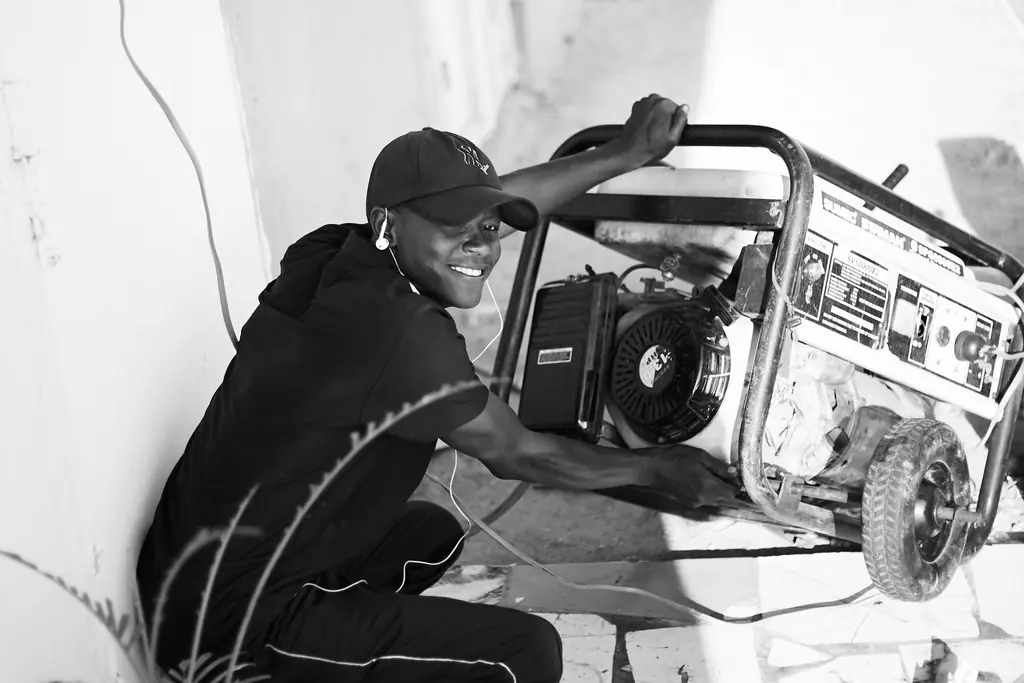
Compare batteries and portable gas generators for home outages, including indoor use, noise, runtime, recharging, maintenance, and CO safety.
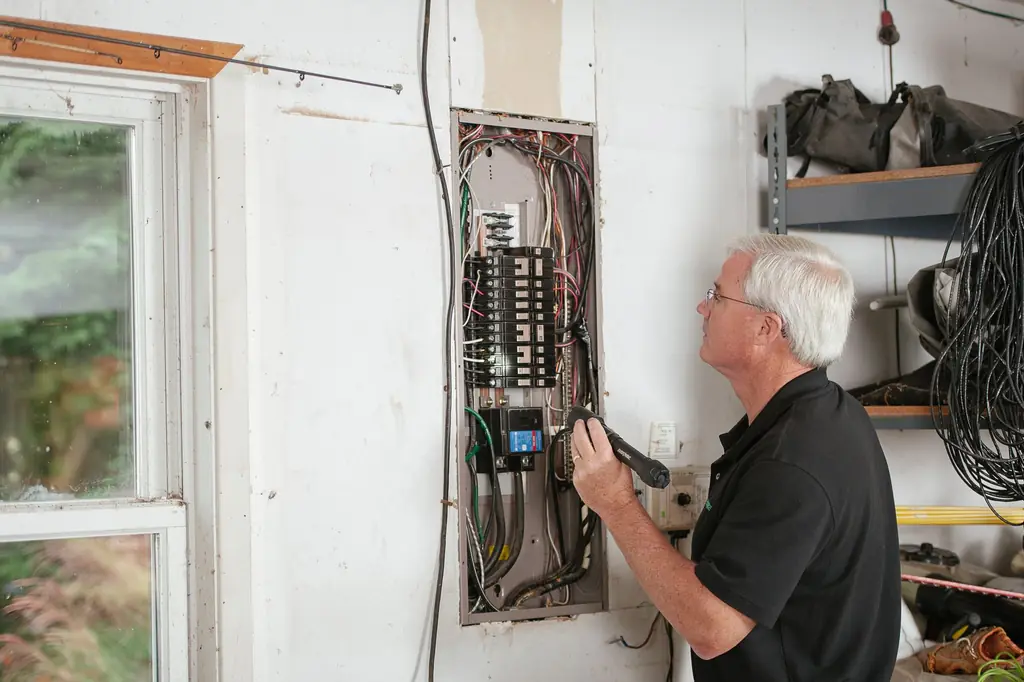
Understand transfer switches, panel interlocks, and home-backup panels, including voltage limits and when a licensed electrician is required.

Plan backup electricity for winter outages, including heat controls, food, water, medical devices, battery runtime, charging, and CO safety.
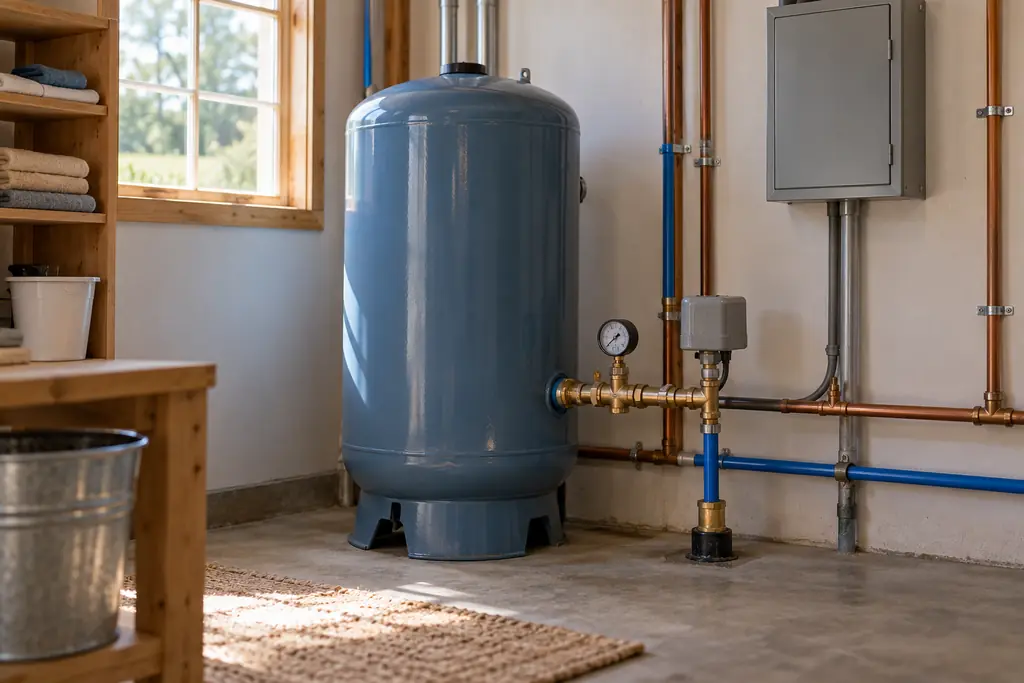
Learn how well pump voltage, startup current, pressure tanks, and battery output affect outage backup, and when licensed electrical work is required.
A portable power station for home backup stores electricity in a rechargeable battery and, during an outage, runs compatible appliances from its built-in outlets. It can keep a refrigerator, internet connection, lights or medical equipment going while the grid is down. The right system depends on what you need to power, how much electricity those devices use and how long the outage lasts. A large battery isn't automatically the right choice, because the AC inverter also has to support the connected appliances.
Separate essential appliances from equipment you can leave off during an outage. Your list might include:
Record each appliance's running watts, startup requirements where they apply, and expected operating hours. Appliances with motors or compressors can need extra power when starting, so a power station with plenty of battery capacity can still fail to start an incompatible appliance. For medical equipment, confirm the device's power requirements and backup recommendations rather than relying on an estimated wattage. See our guides to refrigerator backup, CPAP backup and well pump backup.
An overnight outage asks much less of a battery than one that runs for several days, so think about how long each appliance has to operate. A refrigerator cycles on and off, a router may stay on the whole time, and lights may only be needed for part of the outage. To estimate each appliance's energy use in watt-hours (Wh), multiply its average power by its operating time: Energy needed (Wh) = Average power (W) × Operating time (hours).
Add up the results for every appliance you plan to use. For a longer outage, also work out whether you can recharge the battery before it runs empty.
Three specifications decide whether a power station fits your needs.
| Specification | What it tells you |
|---|---|
| Battery capacity (Wh) | How much energy the battery is rated to store |
| Continuous AC output (W) | How much power the inverter can supply continuously |
| Surge output (W) | The manufacturer's stated temporary output capability |
Capacity sets how long compatible loads can run, and continuous output sets which loads can run together. Surge matters when equipment draws extra power while starting: both the appliance's starting requirement and the surge duration have to fall within what the power station can deliver. A manufacturer's boost mode isn't necessarily the same as its surge rating, so check the conditions in the product documentation. Our power station size calculator turns your list into an estimate. Our explainer on watts, watt-hours and surge watts goes through each number with a worked example.
A day of essentials at the higher listed loads uses up to 2,124 Wh. This example keeps the refrigerator and router running all day, with shorter operating periods for lights and phone charging.
| Appliance | Load | Hours | Energy |
|---|---|---|---|
| Refrigerator | 60 W | 24 | 1,440 Wh |
| Router and modem | Up to 16.4 W | 24 | 393.6 Wh |
| Four LED bulbs | Up to 10.5 W each | 5 | 210 Wh |
| Two phones | Up to 20 W each | 2 | 80 Wh |
| Total | Up to 2,124 Wh |
At the lower ends, the same schedule uses 1,722 Wh: 6 W for the router and modem, 5.9 W per bulb and 5 W per phone. For the higher-load day, you need 2,360 to 2,655 Wh of rated capacity.
Our runtime calculations assume 80% to 90% of rated capacity reaches AC appliances. The Anker SOLIX C1000 Gen 2 (1,024 Wh rated, 819.2 to 921.6 Wh available) covers 0.39 to 0.43 of a day. The Jackery Explorer 2000 v2 (2,042 Wh) covers 0.77 to 0.87 of a day, while the EcoFlow DELTA Pro 3 (4,096 Wh) covers 1.54 to 1.74 days.
Use your own appliance's figures and operating hours to adjust this example in the runtime calculator.
A battery can't supply energy indefinitely, so plan how you'll refill it. Your options depend on the model and the power sources you have:
If you don't plan to use solar, read home battery backup without solar. If you want solar recharging, see our solar generator guide. If you already have rooftop solar, whether it works in an outage depends on the inverter, and our panel sizing post shows how many panel watts a recharge takes.
Smaller portable units suit a selected group of appliances. Larger or expandable models can store more energy and, depending on their output specifications, support more demanding loads. Compare models on:
Start with the portable power station comparison. If you need household circuits covered rather than direct appliance connections, read whole-house battery backup.
Only power equipment through connections the power station's manufacturer approves. Never connect a power station directly to household wiring: connecting to home circuits requires listed transfer equipment, such as a transfer switch or an interlock kit with an inlet, installed by a licensed electrician with any required permit.
If recharging the battery may be difficult during your outages, compare the tradeoffs in our power station vs gas generator guide. For cold-weather outages, use the winter storm power plan. If the station will live on the wall between outages, read whether you can leave it plugged in and whether it can stand in for a UPS.
Follow your own station's manual; for example, the Jackery Explorer 1000 v2 manual requires a clean and dry environment for use and storage. Check the unit before every use and do not use it if damaged. Keep it away from children and pets.
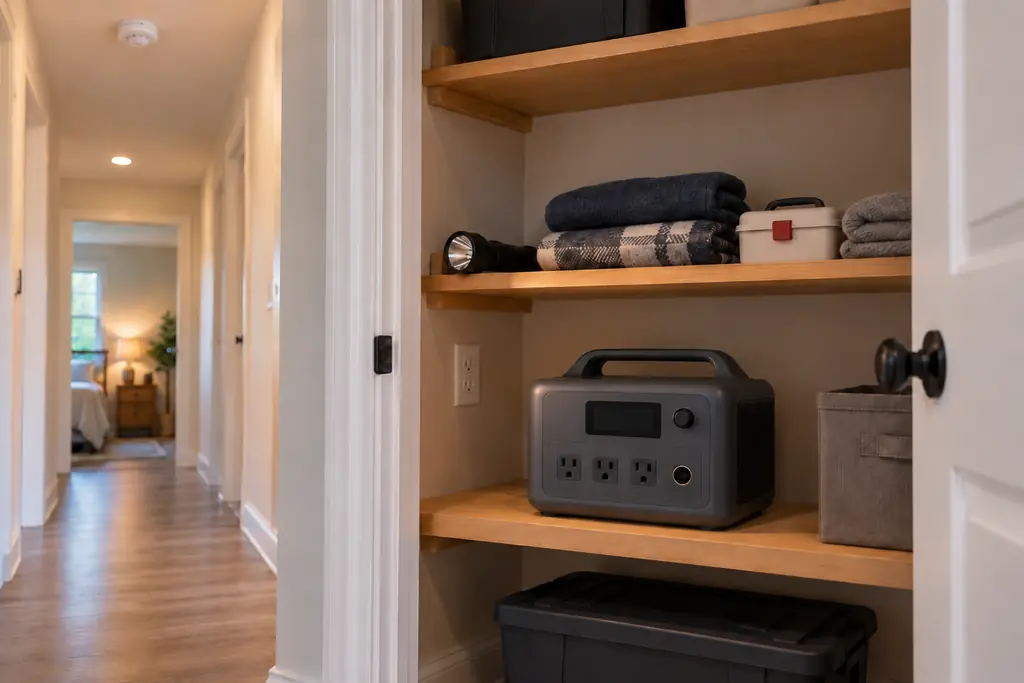
Jackery says to charge in a well-ventilated area and never place the station on its side or upside down. Stop using it and contact the manufacturer if you notice rust, odd odors or overheating. For storage lasting one year, the manual specifies 32 to 77°F. It also warns that exposure to fire or temperatures above 265°F may cause an explosion.
The BLUETTI AC180 manual says to keep the station away from heat sources and direct sunlight. Do not store it with flammable liquids or gases, block its vents or stack objects on it. A cracked shell means the unit must not be used.
For storage longer than 3 months, BLUETTI specifies charging to 40% to 60%, powering off and removing all connections. Store it somewhere cool and dry, ideally 50 to 86°F. In case of fire, evacuate and call 9-1-1. Check your model in our recall tracker.
Add up your appliances' energy needs in Wh and allow for conversion losses, then check simultaneous running watts and startup requirements. The size calculator gives a starting estimate.
It can if its AC output and surge capability meet the refrigerator's requirements. Runtime depends on the refrigerator's average energy use and the station's available battery capacity.
Yes. Charge a compatible unit from a household outlet before an outage. Solar is an optional way to refill the battery.
Some larger systems support household circuits through approved equipment. Connecting to home circuits requires listed transfer equipment installed by a licensed electrician, with any required permit.